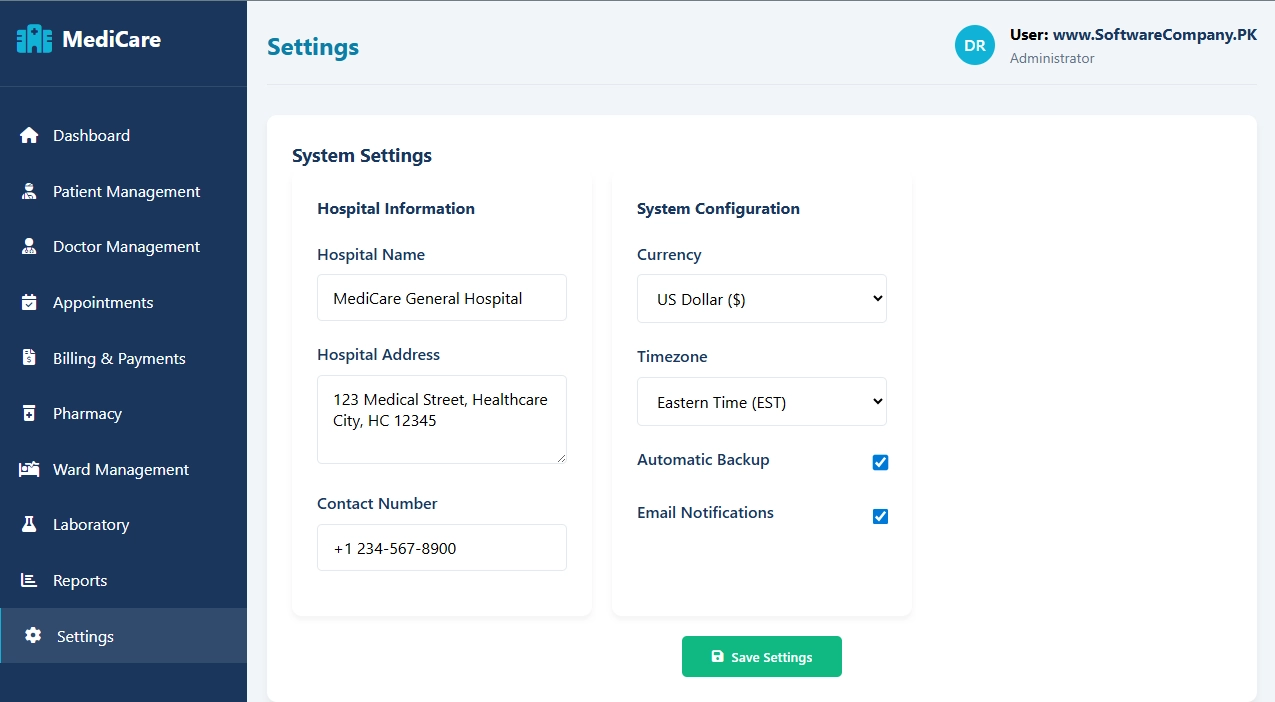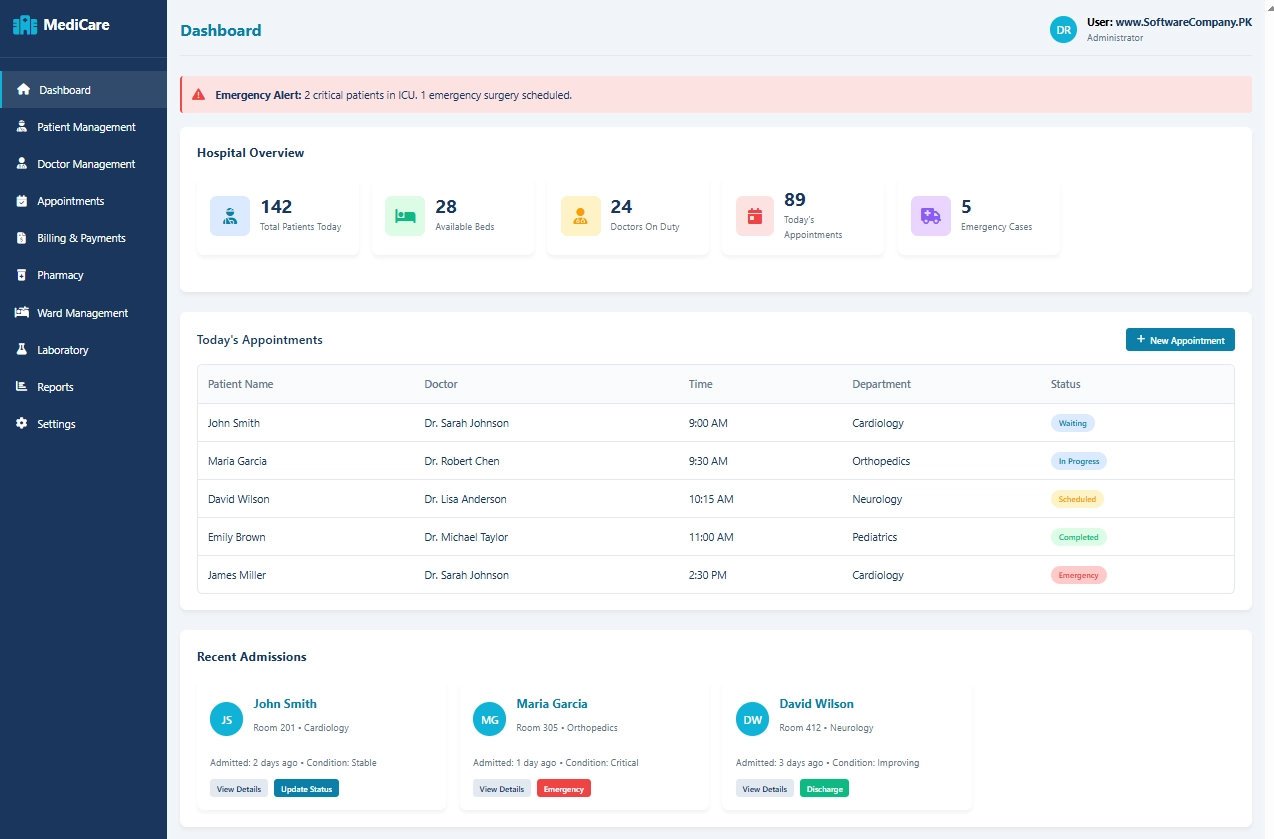
1. Dashboard
- What it shows: Hospital’s main screen with important numbers
- What you can do here:
- See how many patients are in the hospital today
- Check available beds
- View today’s appointments
- See emergency cases
- Check which doctors are on duty
- View recent patient admissions
- Get quick overview of everything
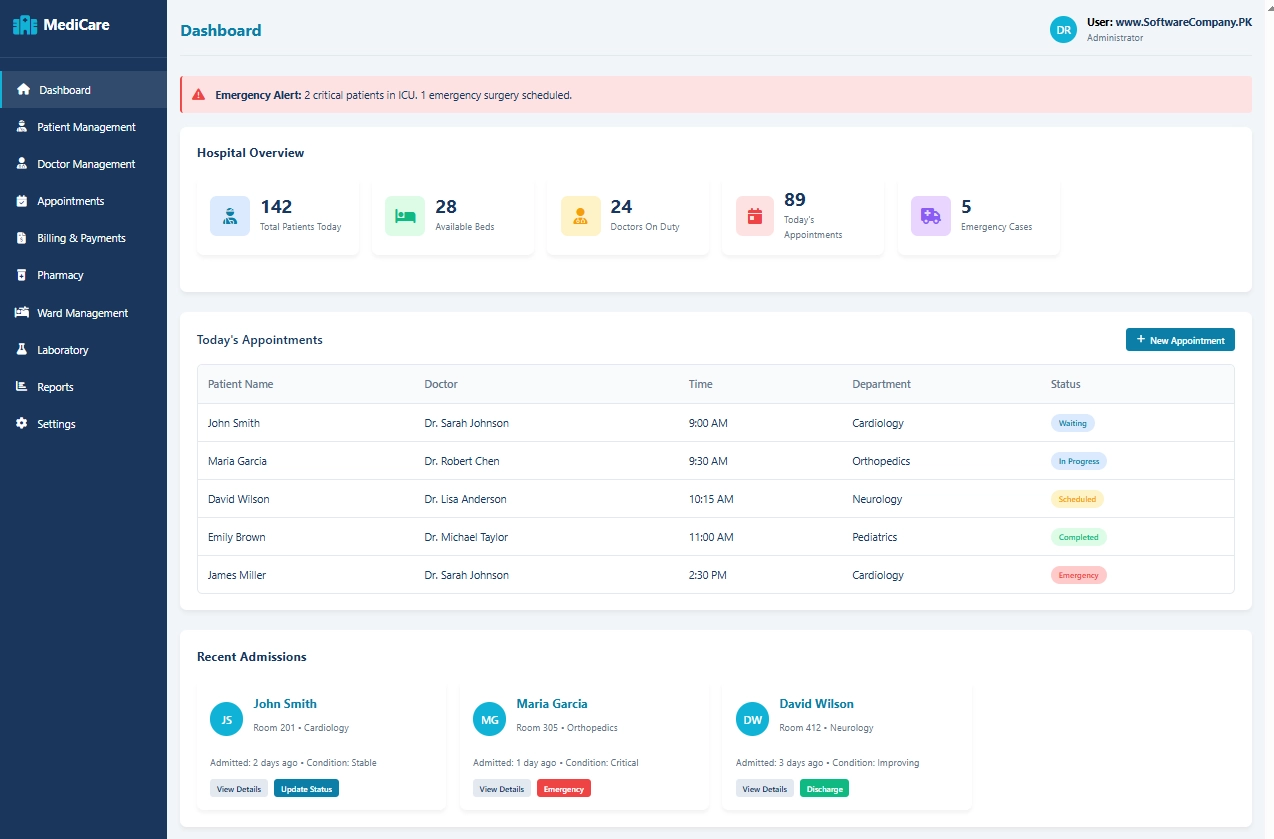
2. Patient Management
- What it shows: All patient information
- What you can do here:
- Register new patients
- Search for existing patients
- View patient medical history
- Update patient details (contact, address)
- Check patient status (admitted/discharged/outpatient)
- See patient medical records
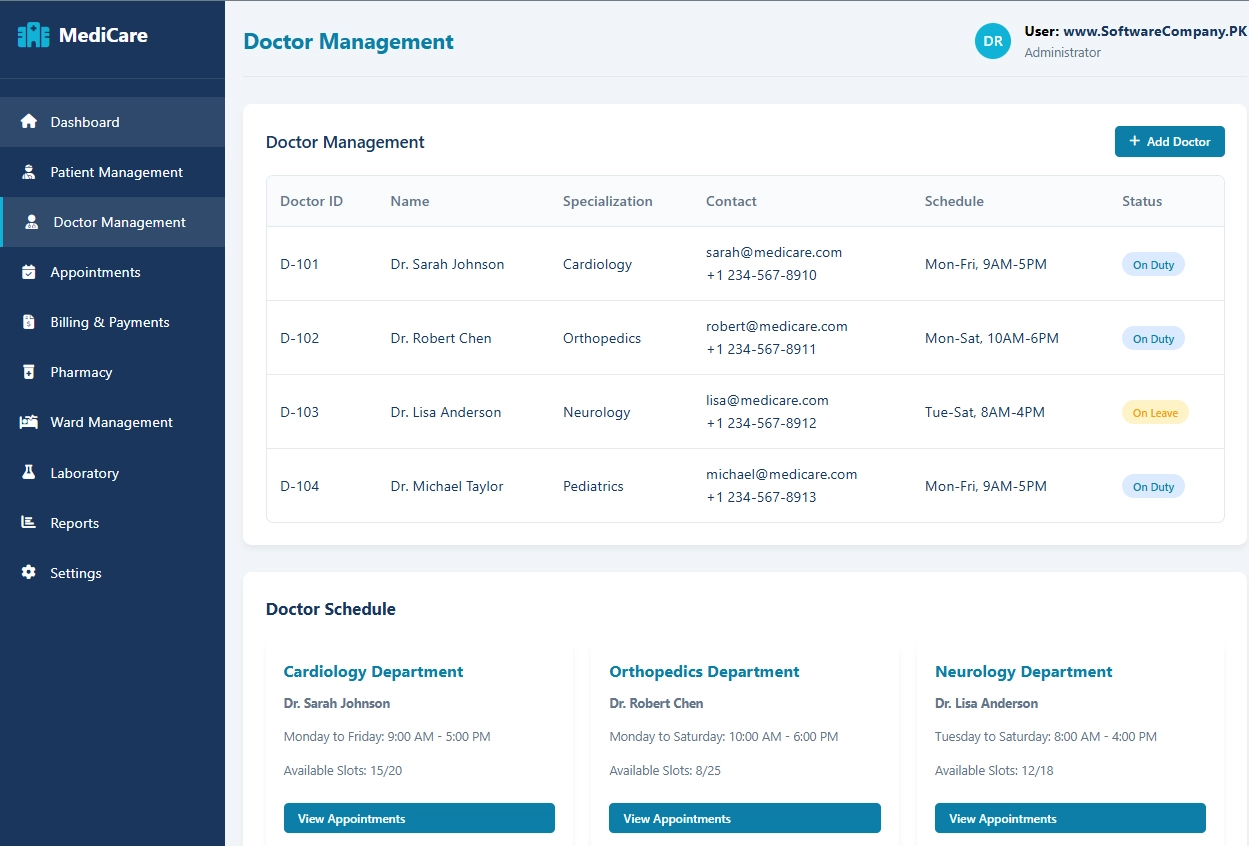
3. Doctor Management
- What it shows: All doctor information
- What you can do here:
- See list of all doctors
- Check doctor specialties (cardiology, orthopedics, etc.)
- View doctor schedules and availability
- Assign patients to doctors
- Manage doctor leave/availability
- Track doctor appointments
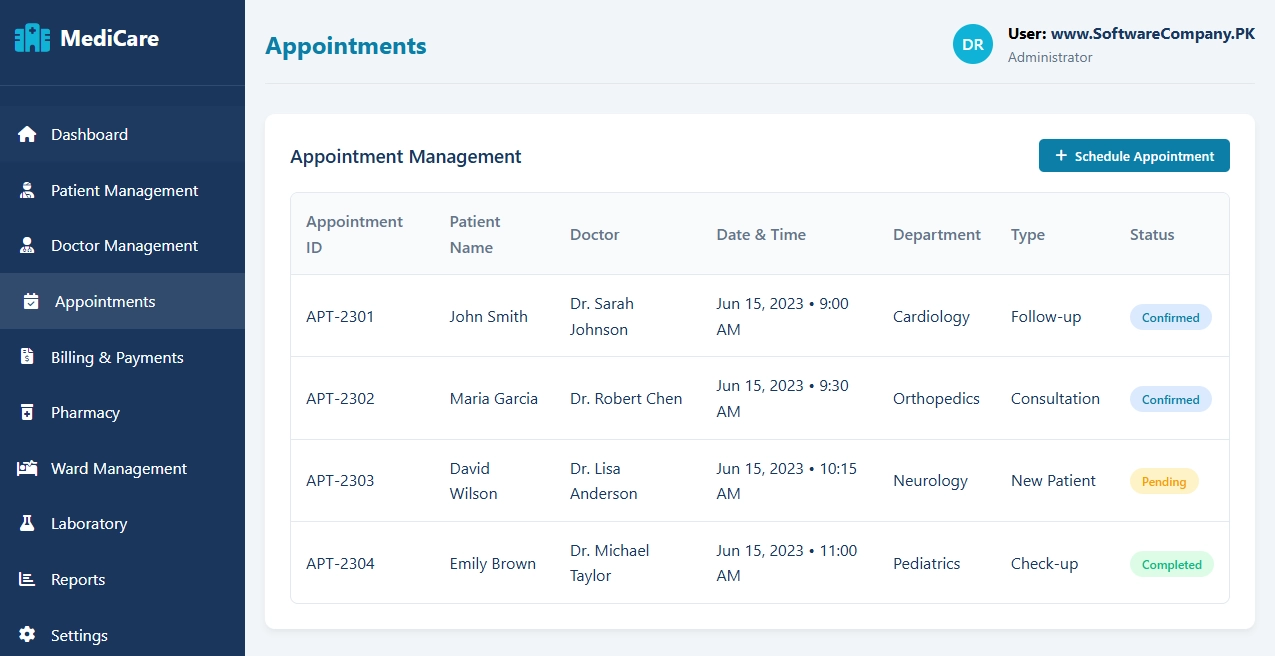
4. Appointments
- What it shows: All booking information
- What you can do here:
- Schedule new appointments
- View today’s appointments
- Reschedule appointments
- Cancel appointments
- Send appointment reminders
- Check appointment history
- See appointment status (confirmed/pending/completed)
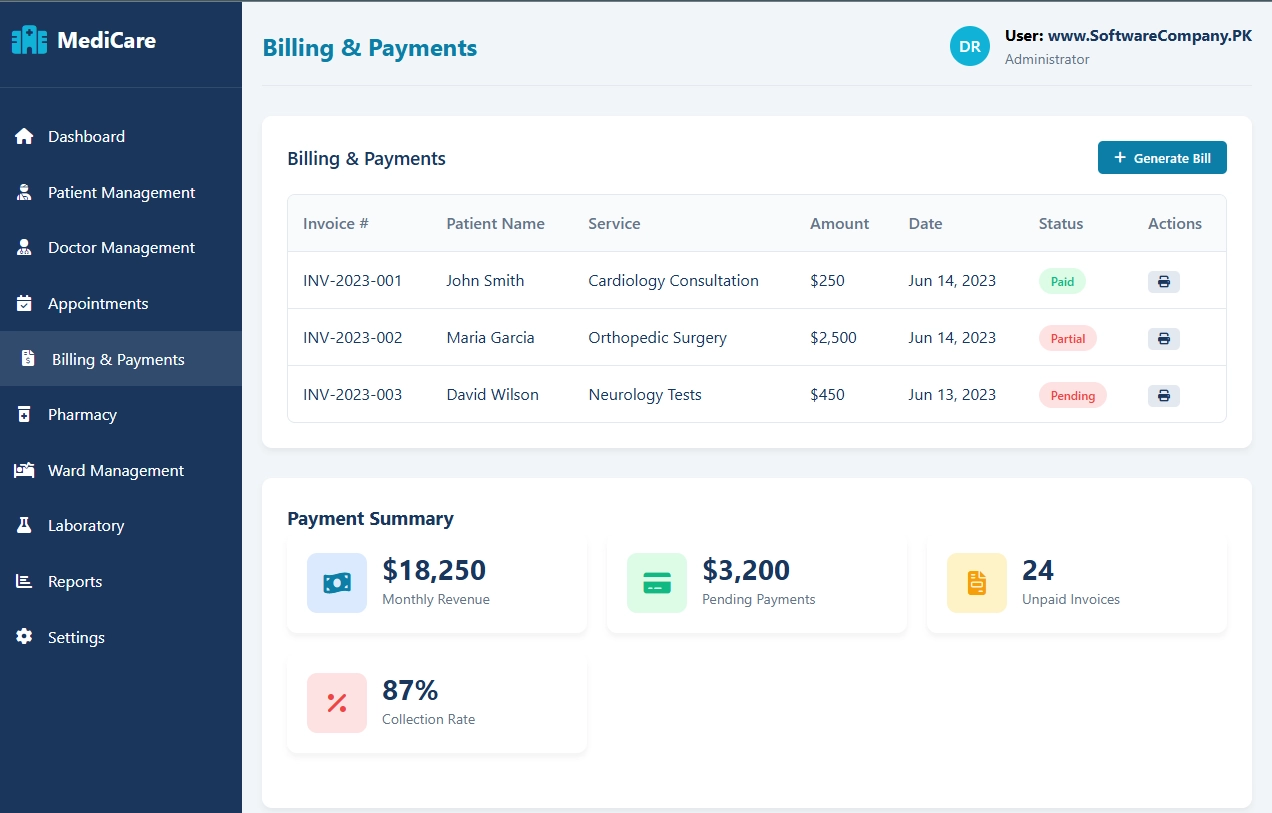
5. Billing & Payments
- What it shows: All money-related information
- What you can do here:
- Generate bills for patients
- Track payments (paid/pending/partial)
- View payment history
- Print invoices and receipts
- Check monthly revenue
- Manage insurance claims
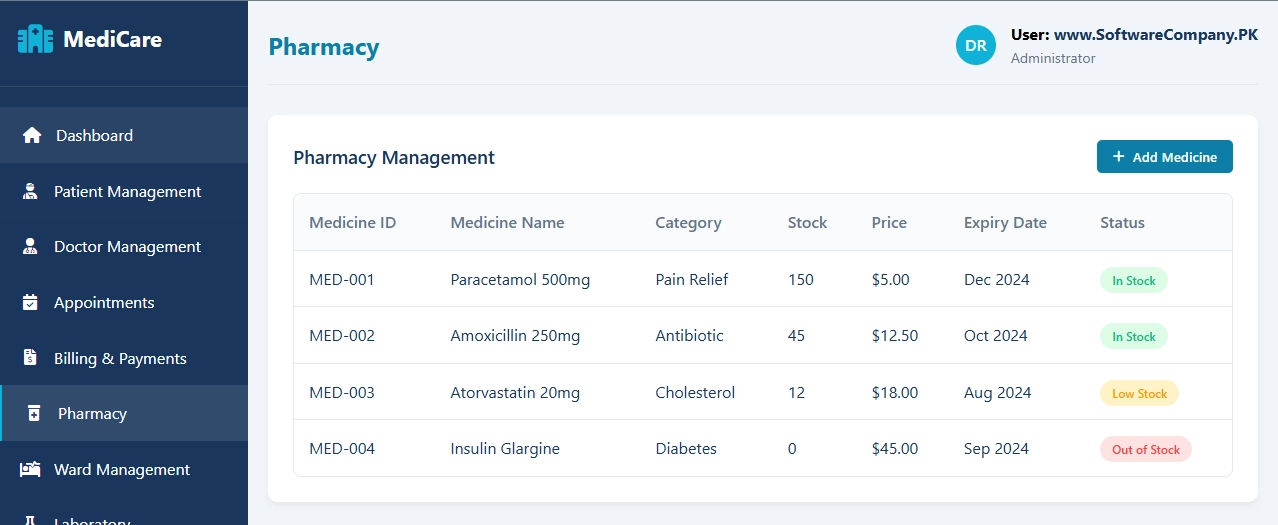
6. Pharmacy
- What it shows: Medicine and drug information
- What you can do here:
- Check medicine stock
- Add new medicines
- Track medicine expiry dates
- View medicine prices
- Issue prescriptions to patients
- Manage pharmacy inventory
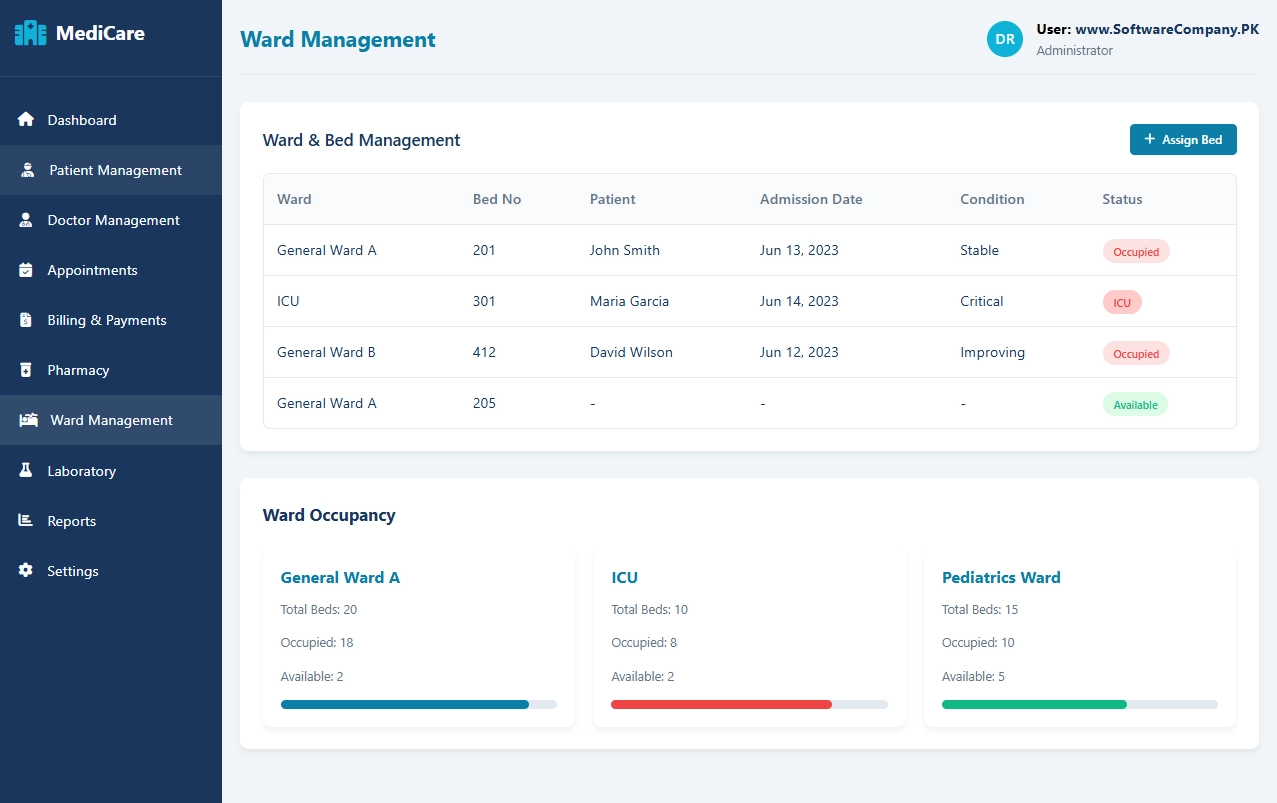
7. Ward Management
- What it shows: Hospital beds and rooms information
- What you can do here:
- Check available beds
- Assign beds to patients
- Track ward occupancy (ICU, general wards)
- Monitor patient condition in each ward
- Manage room transfers
- View bed availability by department
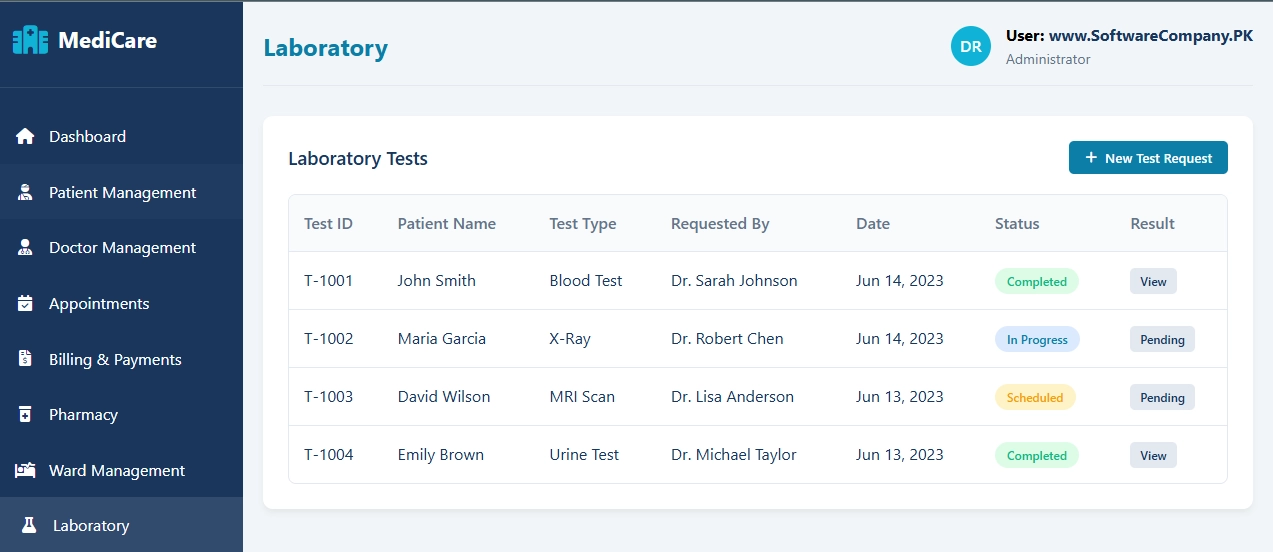
8. Laboratory
- What it shows: Medical tests and results
- What you can do here:
- Request lab tests for patients
- Track test status (pending/in progress/completed)
- View test results
- Manage test schedules
- Generate lab reports
- Archive test records
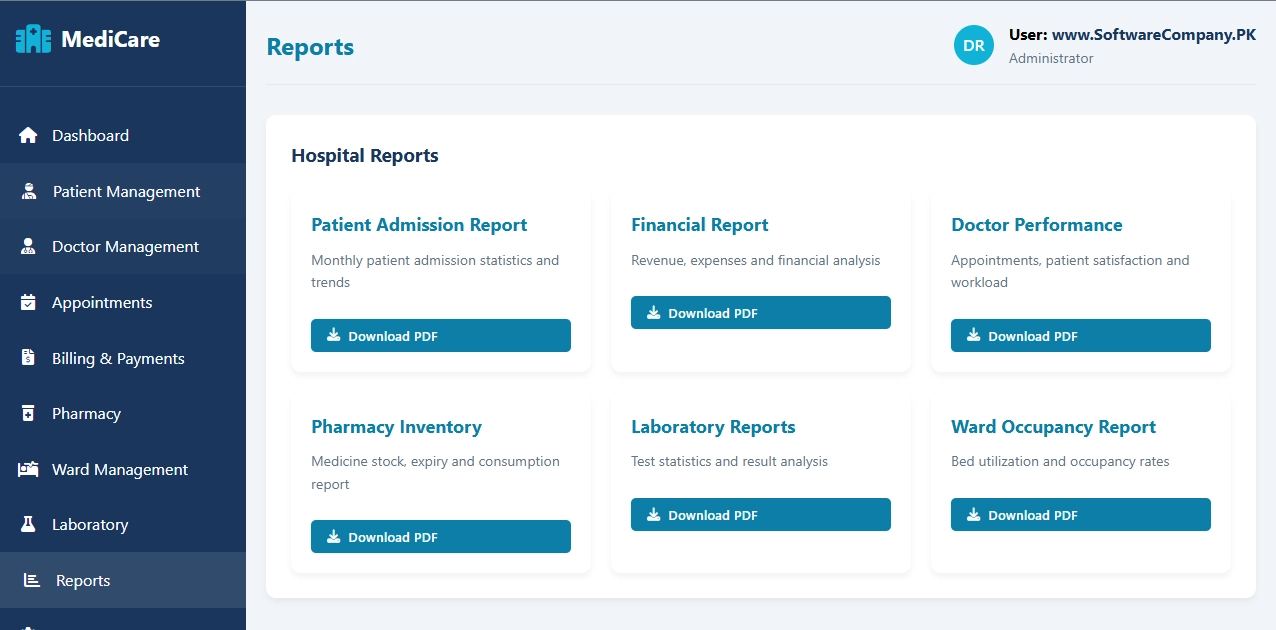
9. Reports
- What it shows: Summaries and statistics
- What you can do here:
- Download patient admission reports
- Get financial reports
- View doctor performance reports
- Check pharmacy inventory reports
- Generate lab test statistics
- Export ward occupancy reports
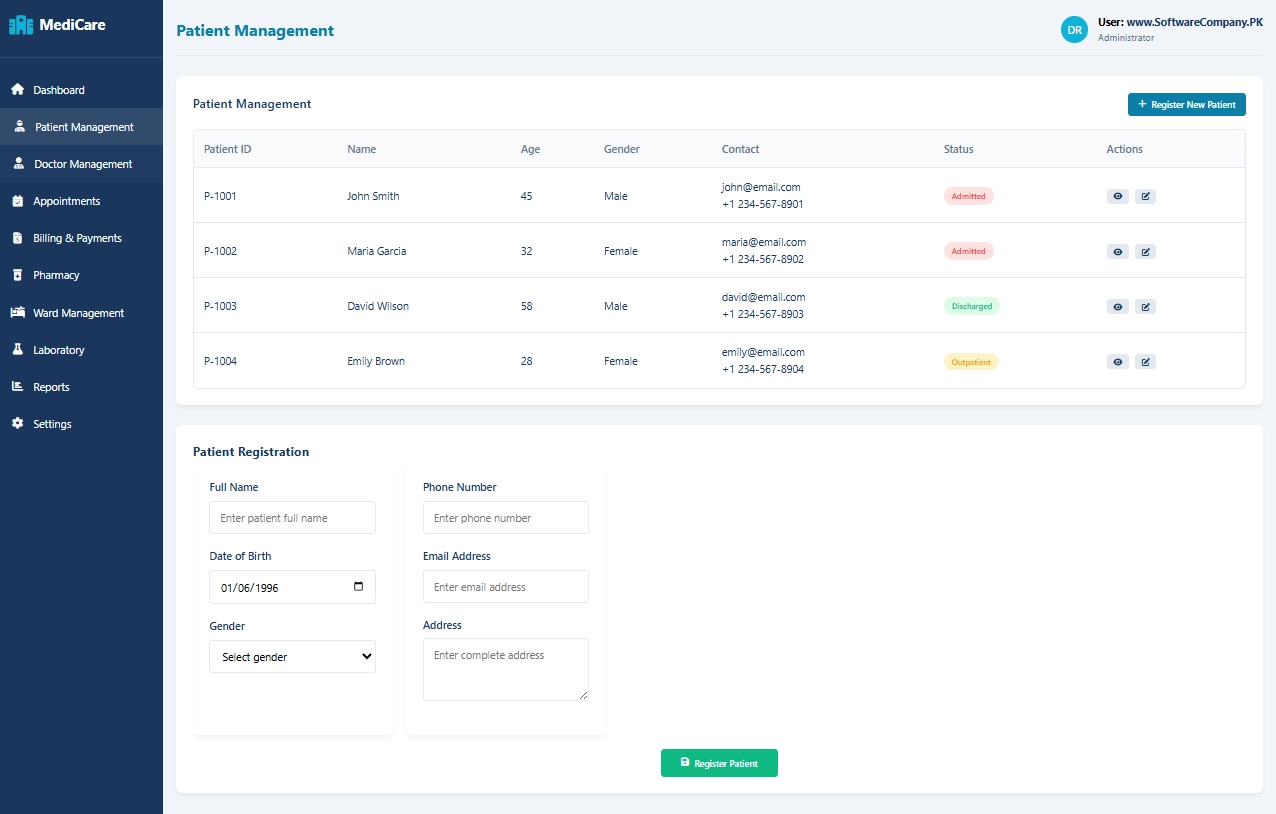
10. Settings
- What it shows: System configuration options
- What you can do here:
- Change hospital name and information
- Set currency type
- Adjust timezone
- Turn notifications on/off
- Manage user accounts (doctors, staff)
- Backup system data