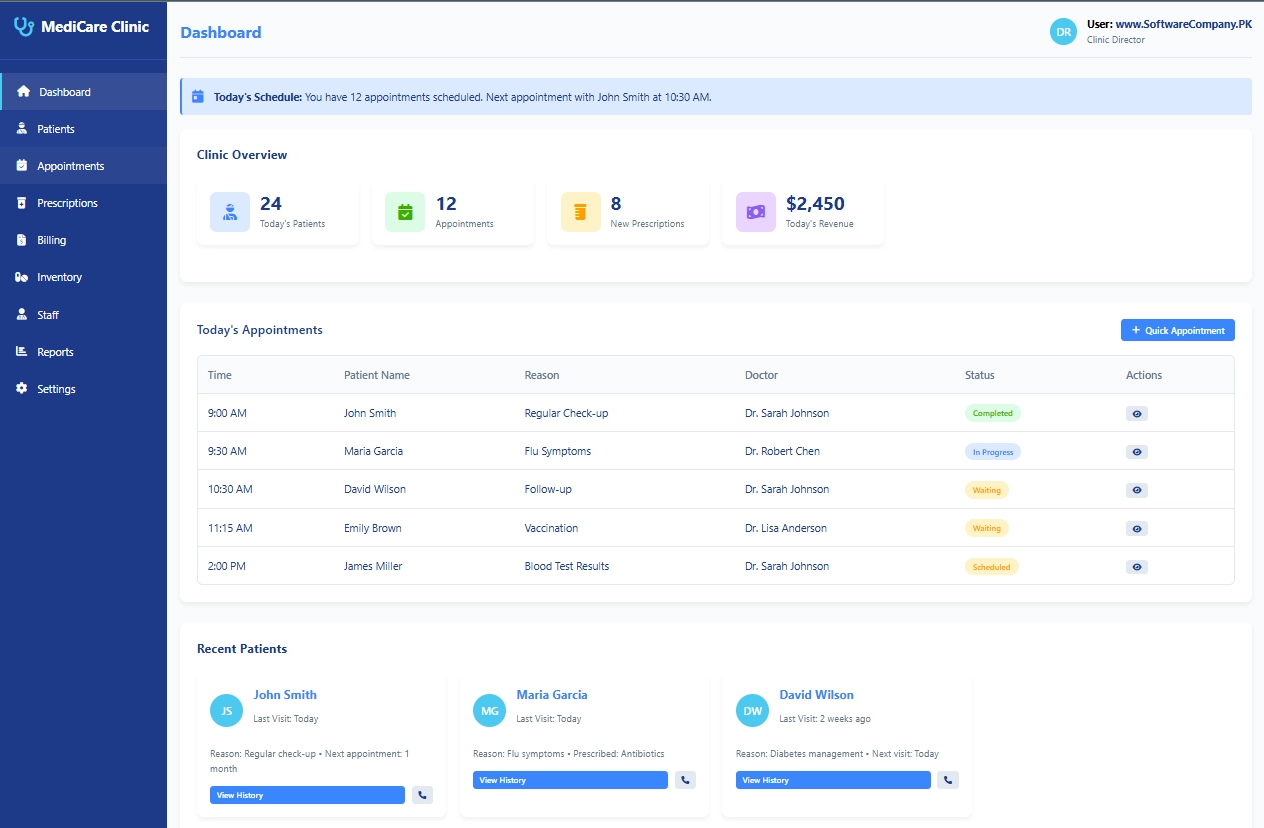
1. Dashboard
- What it shows: Clinic’s main screen with important numbers
- What you can do here:
- See today’s patient count
- Check today’s appointments
- View prescription count
- See today’s revenue
- Check today’s schedule
- View recent patients
- Get quick overview of everything
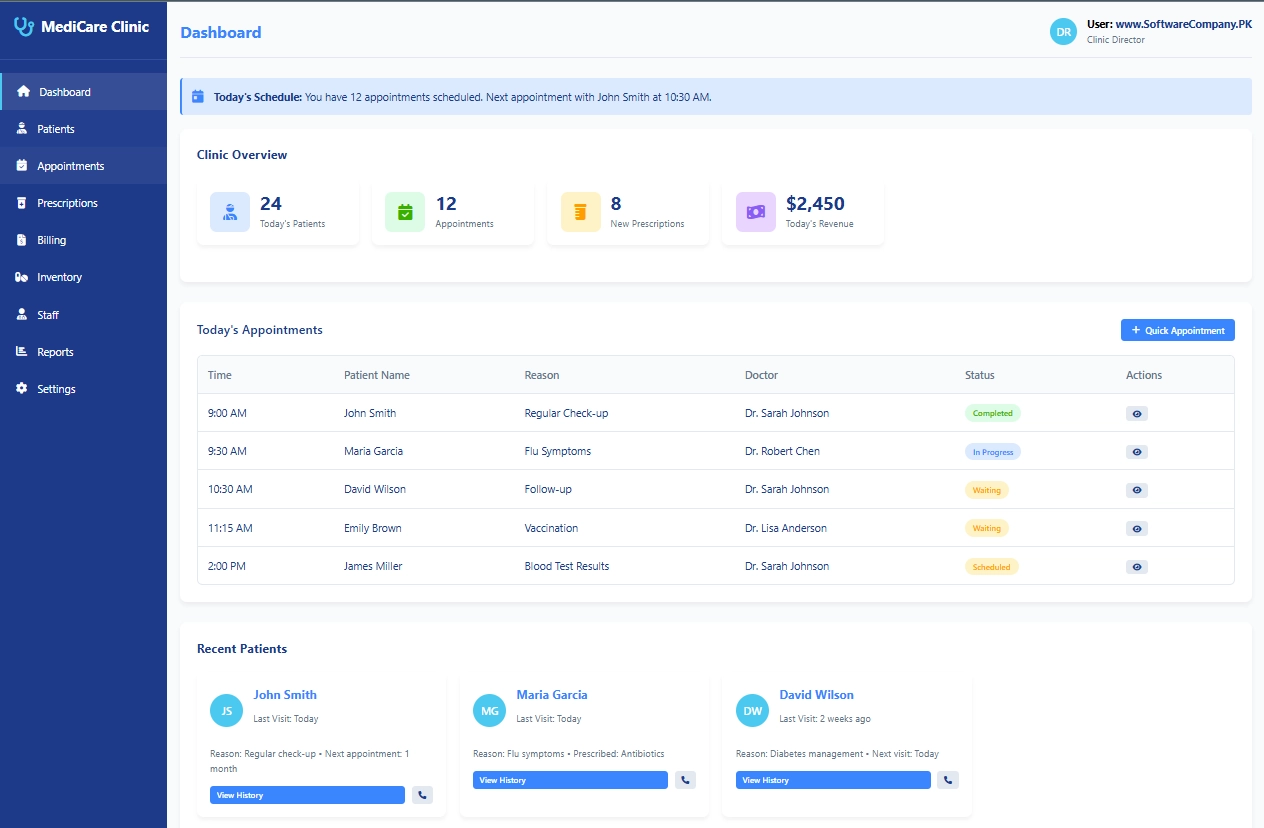
2. Patients
- What it shows: All patient information
- What you can do here:
- Register new patients
- Search for existing patients
- View patient medical history
- Update patient details (contact, address)
- Check patient visit history
- See next appointment dates
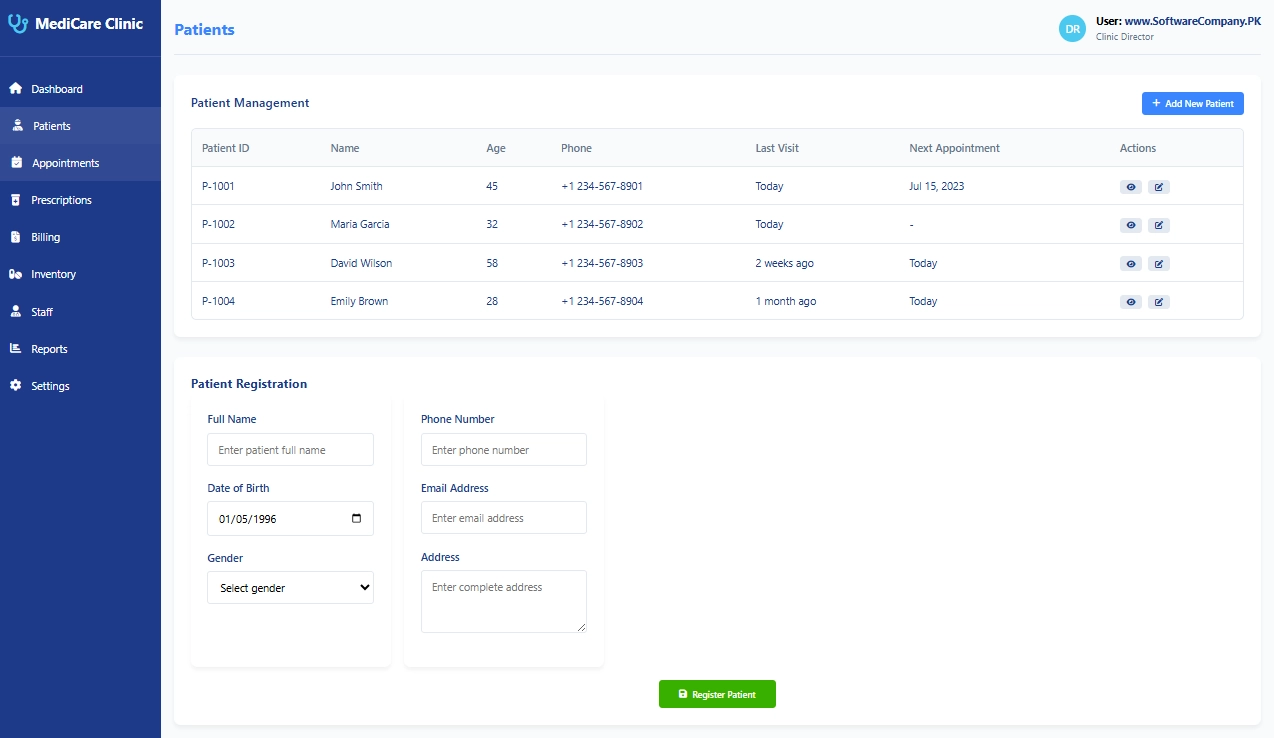
3. Appointments
- What it shows: All booking information
- What you can do here:
- Schedule new appointments
- View today’s appointments
- Check doctor schedules
- Reschedule appointments
- Cancel appointments
- Send appointment reminders
- Track appointment status (waiting/in progress/completed)
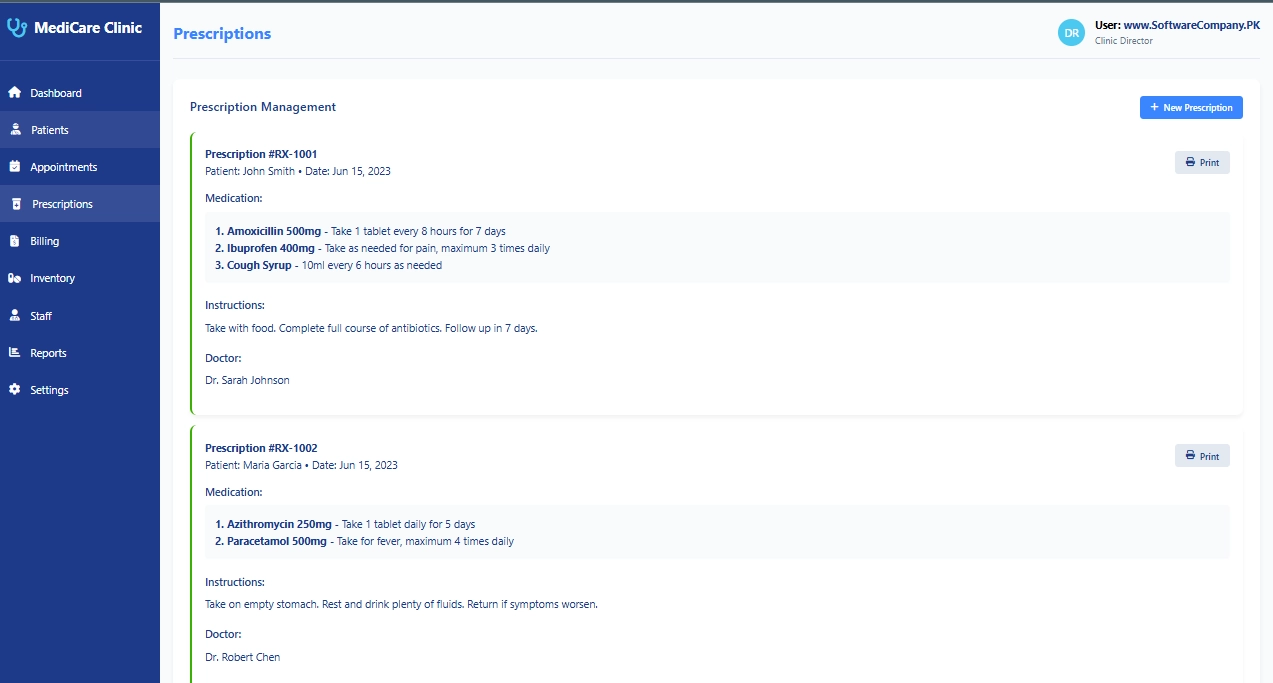
4. Prescriptions
- What it shows: All medicine prescriptions
- What you can do here:
- Create new prescriptions
- View prescription history
- Print prescriptions
- Check prescribed medicines
- Track medication instructions
- View doctor’s notes
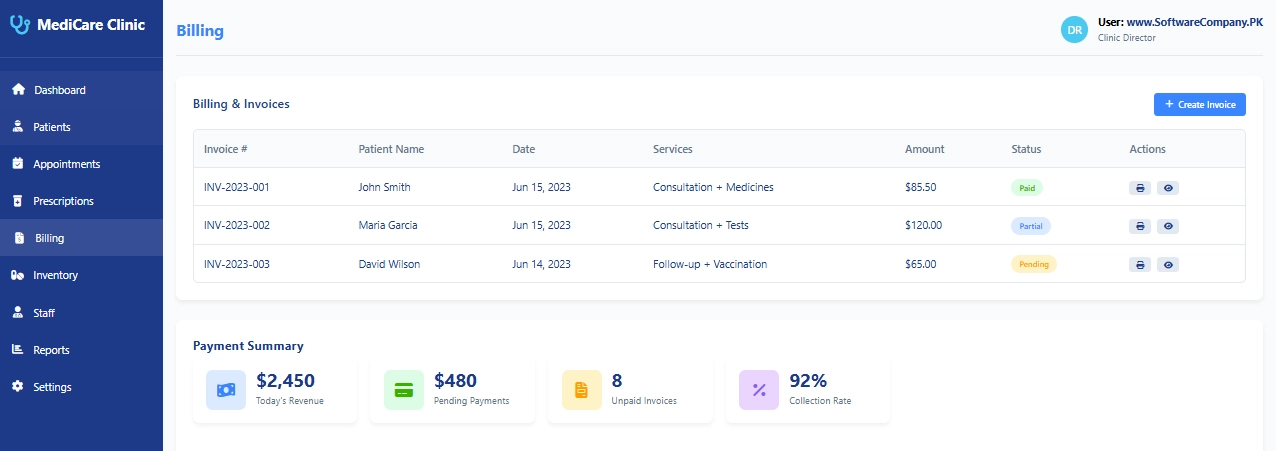
5. Billing
- What it shows: All money-related information
- What you can do here:
- Generate bills for patients
- Create invoices
- Track payments (paid/pending/partial)
- Print receipts
- Check daily revenue
- View payment history
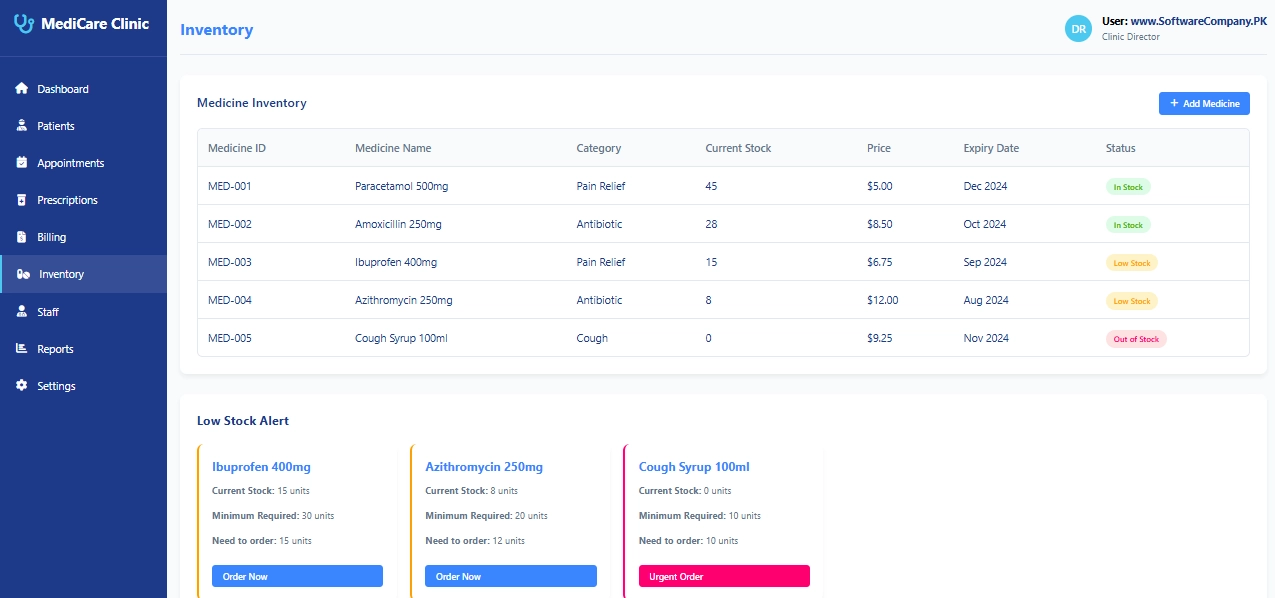
6. Inventory
- What it shows: Medicine stock information
- What you can do here:
- Check medicine stock levels
- Add new medicines
- Track medicine expiry dates
- Set low stock alerts
- Order new medicines
- View medicine prices
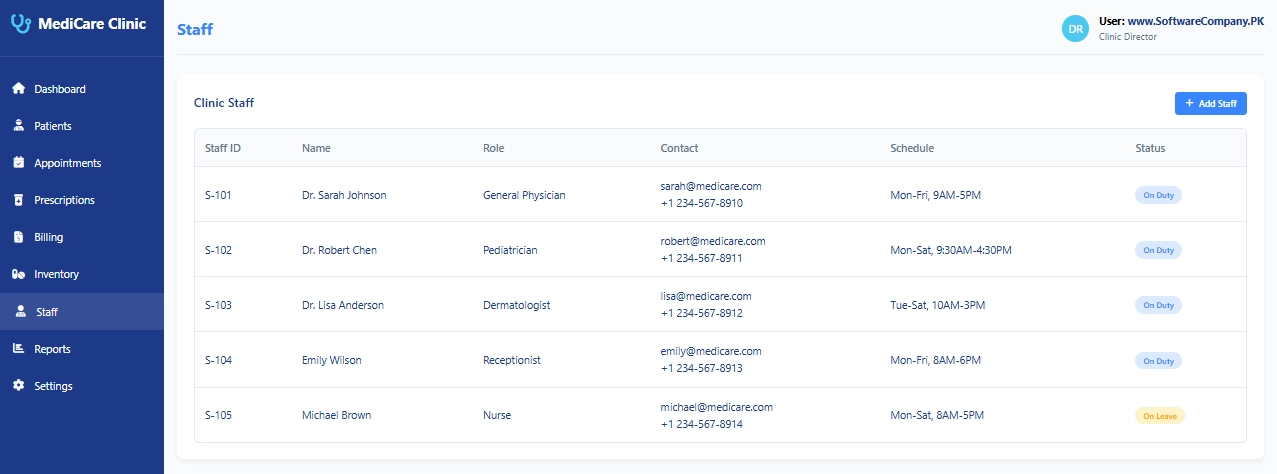
7. Staff
- What it shows: All clinic staff information
- What you can do here:
- View doctor information
- Check staff schedules
- Manage receptionists and nurses
- Track staff availability
- View contact details
- Check staff roles
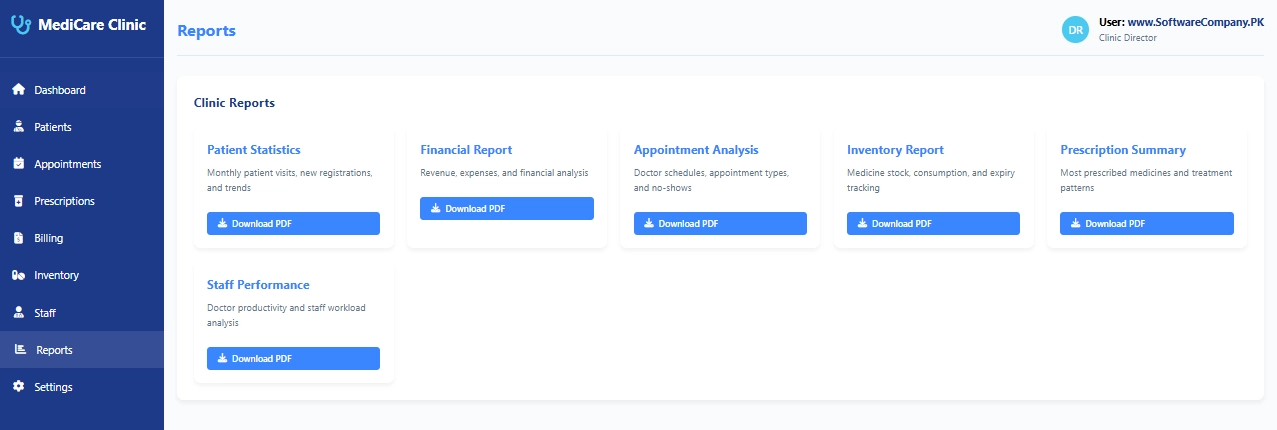
8. Reports
- What it shows: Summaries and statistics
- What you can do here:
- Download patient statistics
- Get financial reports
- View appointment analysis
- Check inventory reports
- Generate prescription summaries
- Download staff performance reports
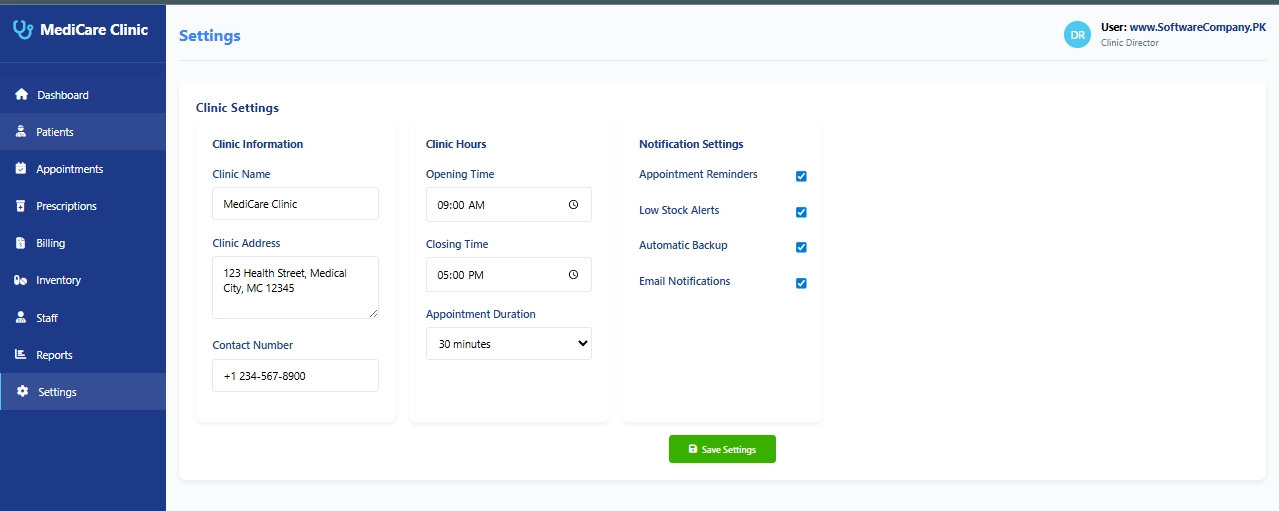
9. Settings
- What it shows: Clinic configuration options
- What you can do here:
- Change clinic name and information
- Set clinic hours
- Configure appointment duration
- Turn notifications on/off
- Set low stock alerts
- Backup clinic data

I ordered a customized management system from softwarecompany.pk for my business. From the first meeting till final delivery, the experience was really amazing. The team understood my requirements clearly and delivered exactly what I needed.